
Canva vs. Adobe Creative Cloud: Choosing the Right Design Tool in 2026
In the fast-paced world of 2026, visual content is the currency of the internet. Whether you are a small business owner, a social media manager, or a professional artist, the debate of Canva vs. Adobe Creative Cloud is likely at the center of your workflow decisions. While one offers unmatched simplicity and speed, the other provides the deep technical control required for high-end industry work. Choosing between them isn't about which tool is "better" in a vacuum, but which one aligns with your specific goals and skill level.
📚 Table of Contents
- The Rise of Canva: Speed and Accessibility
- Adobe Creative Cloud: The Industry Standard
- AI Features in Design Software 2026
- Cost and Subscription Models Compared
- Pro Tips for Choosing Your Stack
- Frequently Asked Questions
🚀 The Case for Canva: Best Graphic Design Tools for Beginners
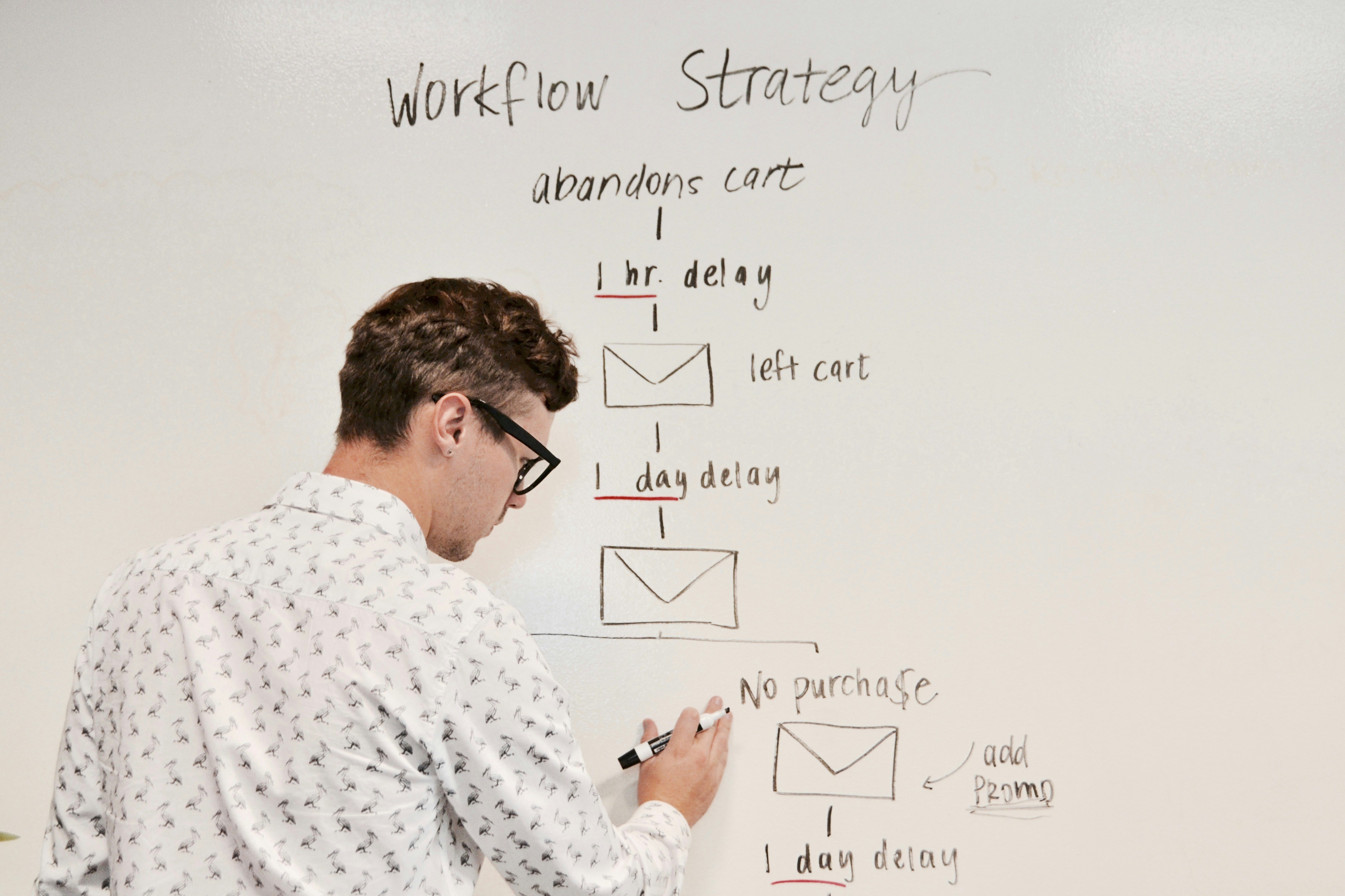
Canva has revolutionized the way non-designers create visuals. In 2026, it has moved beyond simple social media posts into full-scale video editing and document design. If your priority is cloud-based design platforms that allow you to create a professional-looking graphic in under five minutes, Canva is the clear winner.
Source: Unsplash
One of the biggest benefits of Canva is its massive library of templates. You don't need to understand the complexities of vector graphics or layers to produce something beautiful. With its "Magic Studio" AI, Canva now automates the most tedious parts of design, making it the best graphic design tool for beginners who need to maintain a consistent brand presence without a degree in Fine Arts.
🎨 Adobe Creative Cloud: The Professional Design Software Comparison
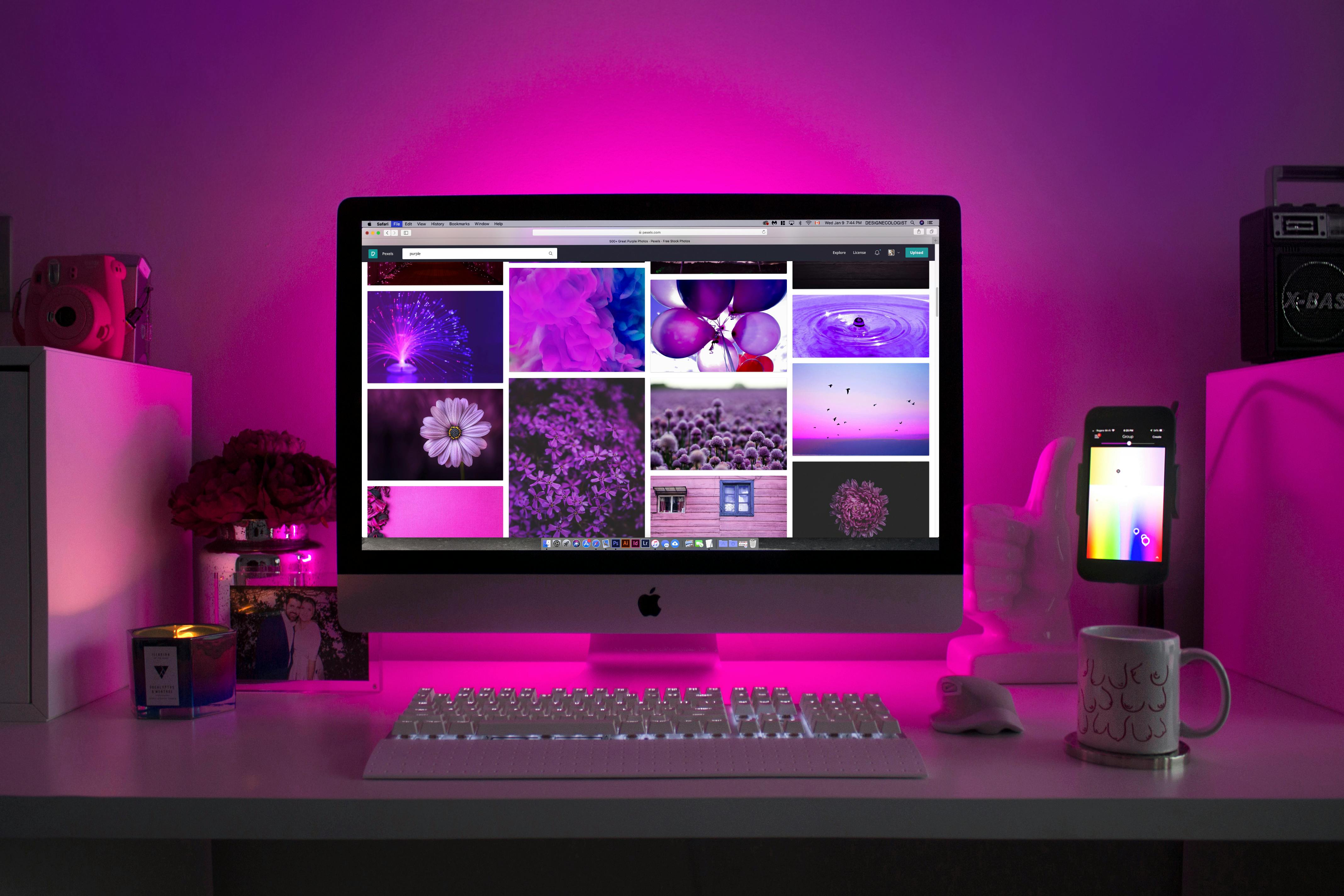
Despite the rise of easy-to-use apps, Adobe Creative Cloud remains the undisputed king of professional creative work. For those who need to perform deep raster editing or create intricate illustrations from scratch, Adobe's suite—including Photoshop, Illustrator, and InDesign—offers a level of precision that Canva simply cannot match.
Source: Pexels
If you are looking for Adobe Photoshop alternatives 2026, you might find specific apps that do one thing well, but nothing replaces the total ecosystem of Creative Cloud. It allows for seamless collaborative workflows between video editors, photographers, and web designers, making it essential for agencies and high-level freelancers.
🤖 AI Features in Design Software 2026: The New Frontier
The real battle in the Canva vs. Adobe Creative Cloud debate now happens in the realm of Artificial Intelligence. Both platforms have integrated generative AI to speed up the creative process, but they approach it differently.
- Canva’s AI: Focused on "Generative Fill" for quick image adjustments and "Magic Design" which builds entire layouts based on a text prompt. It is built for speed.
- Adobe Firefly: Integrated deeply into Photoshop and Illustrator, Adobe’s AI allows for high-resolution, commercially safe generative work. It focuses on extending the artist's capability rather than replacing the layout process.
💰 Pricing and Subscription Models
When looking at a professional design software comparison, budget is often the deciding factor. Canva offers a robust free version and a very affordable "Pro" subscription model for individuals. Adobe, conversely, requires a more significant monthly investment for access to its full suite.
| Feature | Canva | Adobe Creative Cloud |
|---|---|---|
| Learning Curve | Very Easy | Difficult/Professional |
| Customization | Template-based | Total Control |
| Asset Library | Huge (Stock included) | Adobe Stock (Extra cost) |
💡 Pro Tips for Choosing Your Design Stack
- The Hybrid Approach: Many 2026 pros use both. Use Adobe for creating unique vector graphics and brand kits, then upload them to Canva for your social media team to use with templates.
- Check for Integration: If you work in a team that uses Slack, Notion, or Trello, Canva’s integrations are often smoother for quick sharing.
- Think About Output: If your work is going to a high-end commercial printer, Adobe’s CMYK color management is superior and non-negotiable.
❓ FAQ: Canva vs. Adobe Creative Cloud
1. Is Canva professional enough for a design business?
Yes, for social media and marketing agencies focused on content volume. However, for logo design and branding, Adobe Illustrator is still required to provide scalable vector graphics to clients.
2. Can I learn Adobe Photoshop for free?
While the software requires a subscription, there are thousands of free tutorials on YouTube and Adobe’s own site that can help beginners master raster editing.
3. Which tool is better for video editing in 2026?
Canva is great for reels and simple ads. Adobe Premiere Pro remains the standard for long-form video, documentaries, and professional film production.
📌 Conclusion
The Canva vs. Adobe Creative Cloud choice ultimately depends on your "Why." If you are a business founder looking for best graphic design tools for beginners to save time, Canva is your best friend. If you are an aspiring professional artist looking to master raster editing and complex illustrations, investing time into Adobe is the only way to reach the top tier of the industry. In 2026, the best designers aren't just masters of one tool—they are masters of choosing the right tool for the job. Start with what fits your needs today, and keep growing!
Join the conversation